

Choosing where to launch your app is a budget decision before it is a technology decision, and Android vs iOS is the question at the center of it. A startup that builds natively for both platforms at the start takes on a second full build before it knows whether anyone wants the app. The practical rule is to launch on the platform where your target users already are, validate the product there, and add the second platform when the data justifies it.
This guide shows how to apply that rule: market share by country, revenue, cost, store logistics, cross-platform options, and a weighted decision framework you can reuse for your own idea.
Android vs iOS: Which Should You Launch On First? (Quick Answer)
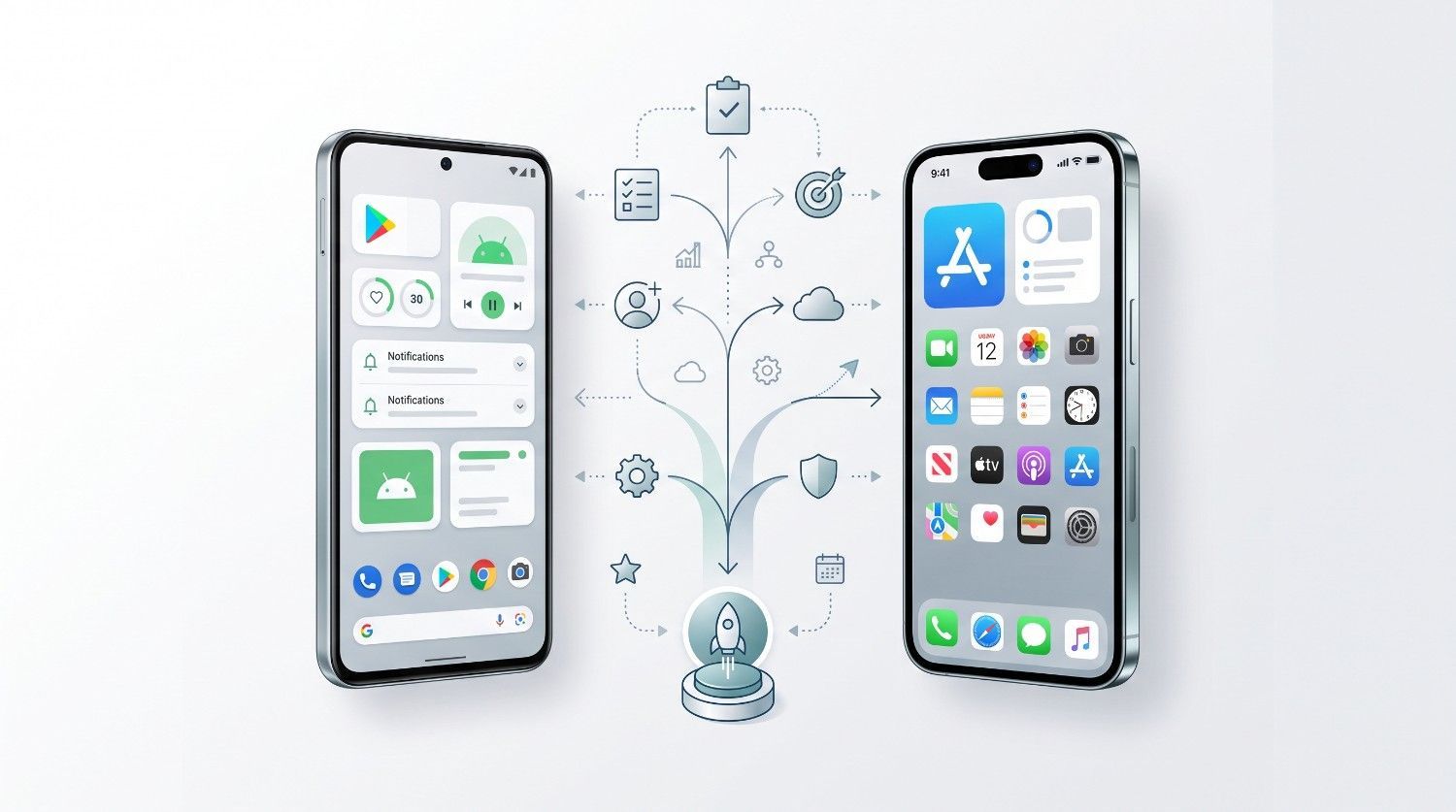 Choose your first mobile platform based on your audience, budget, and business goals.
Definition: Launch-platform strategy is the decision about which mobile operating system, Android or iOS, to build and publish on first. It is based on where the target audience's devices are, how the app earns revenue, and how much budget and time are available to validate the product before expanding.
Startups should launch on the platform where their target users already are, validate the product there, and add the second platform once retention and demand data justify the cost. In the United States, this typically means iOS first, and in Bangladesh it typically means Android first.
Three rules of thumb:
iOS first when the audience is in markets where iPhones lead, and the app depends on subscriptions or premium pricing.
Android first when reach matters most, the market is Android-dominant, or the app is ad-supported or low-priced.
Cross-platform when the budget is tight, both audiences matter, and the app does not need heavy platform-specific features.
Factor | Android | iOS | Edge |
Global reach | Larger global share | Leads in several high-income markets | Depends on country |
Spend per user | Typically lower | Typically higher | iOS |
Download volume | Typically higher | Typically lower | Android |
Device diversity | Wide range of devices and OS versions | Narrower range | iOS (simpler testing) |
Upfront account cost | One-time registration | Annual membership | Android |
One mistake founders often make is choosing the platform they personally use. A founder's phone says little about the customer's phone, and the gap can be large when the customers live in a different country.
Market Share and User Demographics: Who Uses Each Platform?
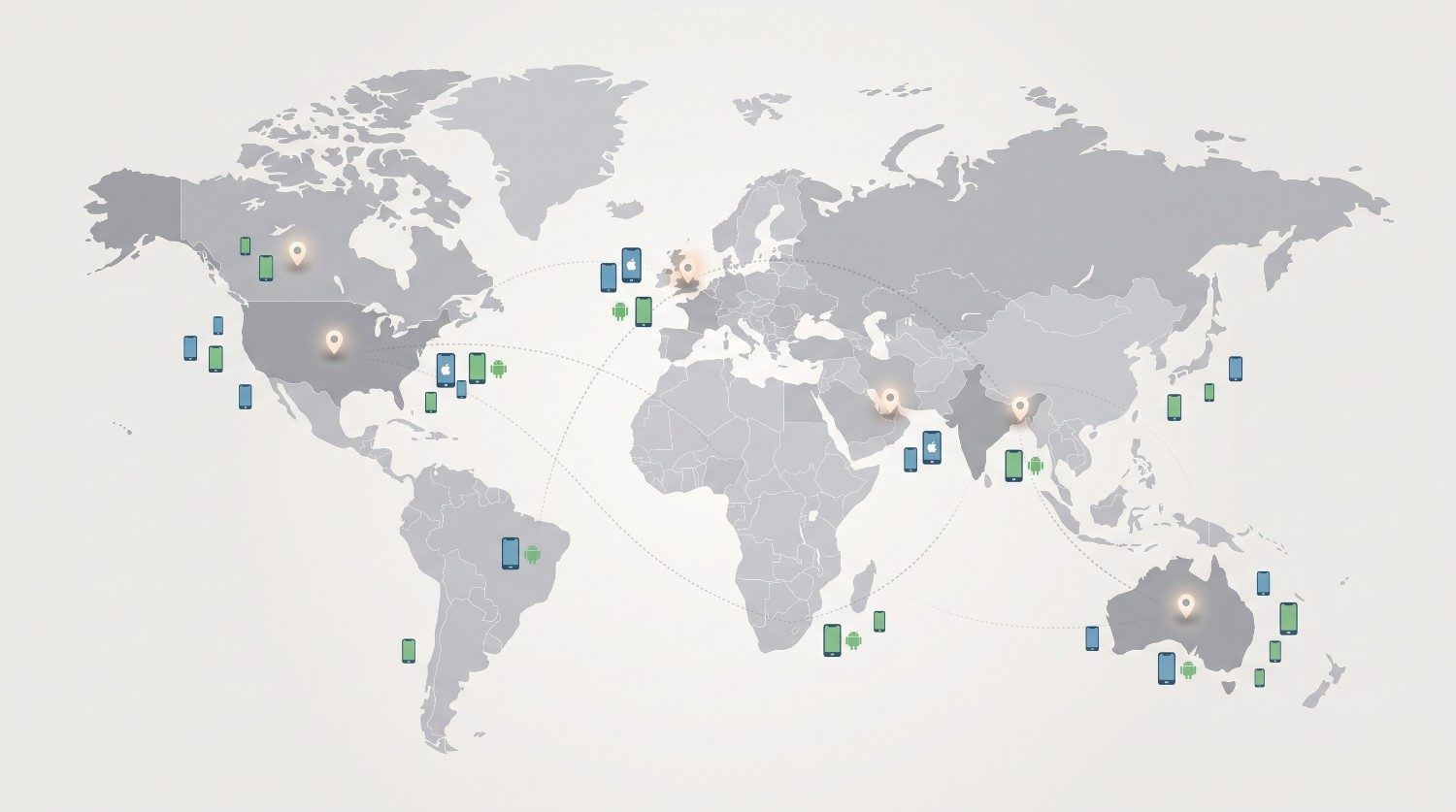 Platform popularity varies by country, so research your target market before choosing.
Android holds the larger share of global mobile operating system usage, while iOS leads in several high-income markets, including the United States. The global figure can mislead a local launch, so founders should check market share for the specific countries they target.
StatCounter Global Stats publishes mobile operating system share by country, with dates. Use the current figure for each market and record the “as of” date in your planning notes, because shares shift slowly but they do shift.
Country | Typically leading platform | Note |
United States | iOS | Strong iPhone share, especially among higher-spending users |
United Kingdom | iOS | Share is often close to even; check current data |
Canada | iOS | Similar pattern to the US |
Australia | iOS | iPhone share is typically high |
UAE | iOS often leads | Mixed market with many expatriate users; verify |
Bangladesh | Android | Wide availability of lower-priced Android devices |
These are directional patterns, not figures. Confirm each country's current split before committing a budget.
Demographics follow device price. Android spans budget to flagship devices, so it reaches more price-sensitive users. iPhones cost more on average, which is one reason iOS audiences often show higher spend in markets where they are common. The practical difference is that the same app can have a different audience size and a different willingness to pay on each platform.
Revenue and Monetization: Where Does Each Platform Earn More?
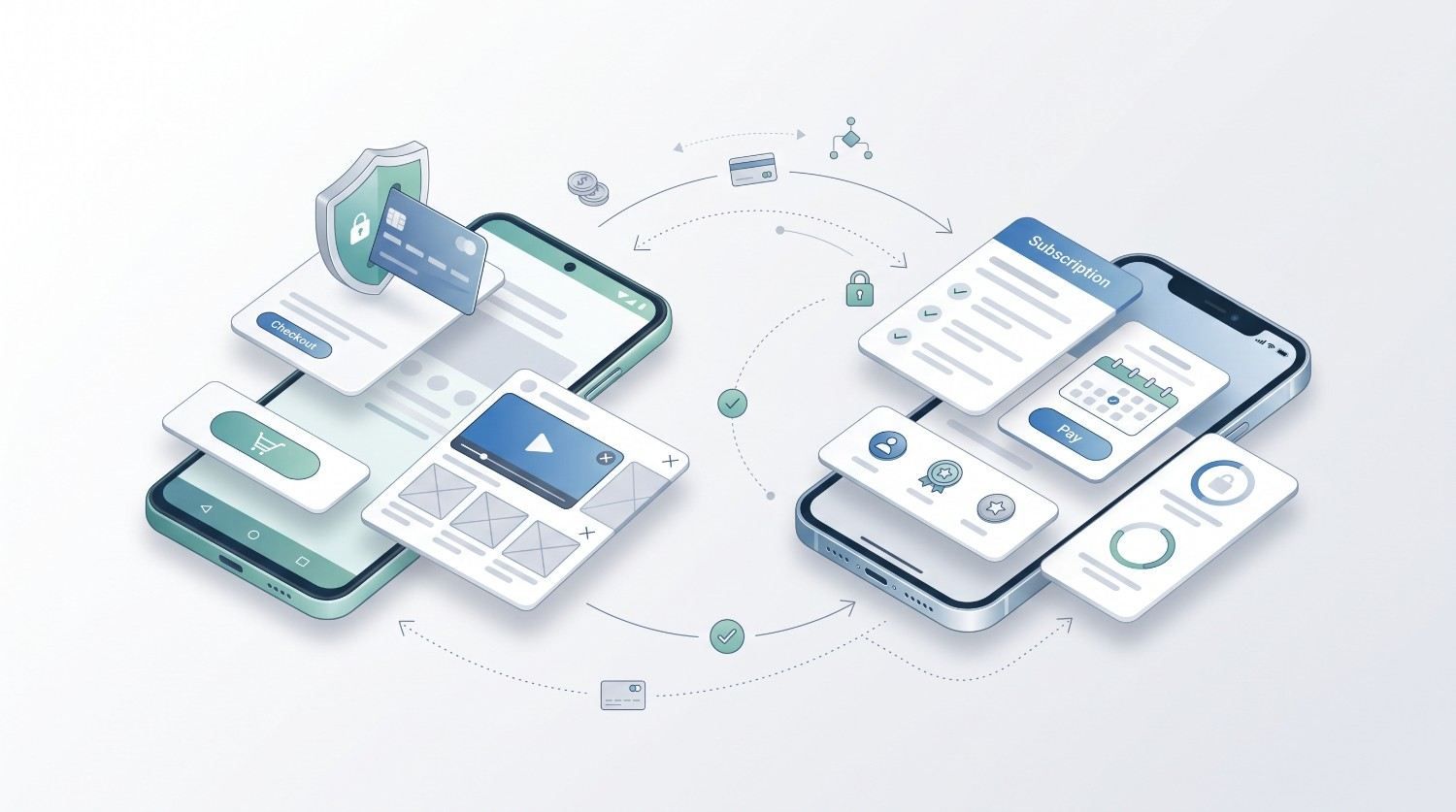 Compare expected net revenue, user behavior, and monetization options, not downloads alone.
iOS has generally shown higher spend per user, while Android has shown higher download volume, and results vary by app category and country. Founders should judge a platform by expected net revenue per user in their target market, not by downloads alone.
Monetization model | Tends to perform better on | Reason |
Subscriptions | iOS in high-income markets | Higher willingness to pay among iPhone users |
In-app purchases and paid apps | iOS | Same spending pattern |
Ad-supported | Android | Larger volume of users in many markets |
B2B companion app | Depends on customer devices | Check which devices the customers' teams use |
Store commission changes what you keep. According to Apple's and Google's developer documentation at the time of writing, both stores charge a standard commission on digital sales and offer a reduced rate for smaller developers, and Apple reduces the rate on subscriptions after the first year. Rates and rules change, so check each store's current terms.
An illustrative calculation: a $10 subscription leaves $7 after a 30% commission and $8.50 after a 15% commission. Model your revenue after commission, because gross figures overstate what reaches the business.
For industry revenue and download splits, reports from Sensor Tower or Appfigures are common sources. They are estimates, so cite the report and its date.
Development Cost and Timeline: Android vs iOS
 App scope, testing needs, and the second-platform build influence the total budget and timeline.
Single-platform development cost is usually similar for Android and iOS, and the larger cost decision is building a second native app. Founders who compare the two platforms against each other often miss that the real budget question is one platform versus two.
Cost driver | Android | iOS | Notes |
Language and tools | Kotlin, Android Studio | Swift, Xcode | Different skill sets, so teams are rarely interchangeable |
Device testing | Many devices and OS versions | Fewer devices | Android testing usually takes longer |
Design guidelines | Material Design | Human Interface Guidelines | Each platform has its own conventions |
Store preparation | Play Console setup | App Store Connect setup | Both require listing assets and policy forms |
Second platform | Largely a rebuild if native | Largely a rebuild if native | Shared code cuts this with cross-platform tools |
Timeline follows scope more than platform. A narrow MVP with one core workflow takes far less time than an app with payments, maps, and real-time features on either platform. Ask any team for an itemized estimate based on a written feature list, and avoid comparing headline prices.
Device Fragmentation, Testing, and Maintenance
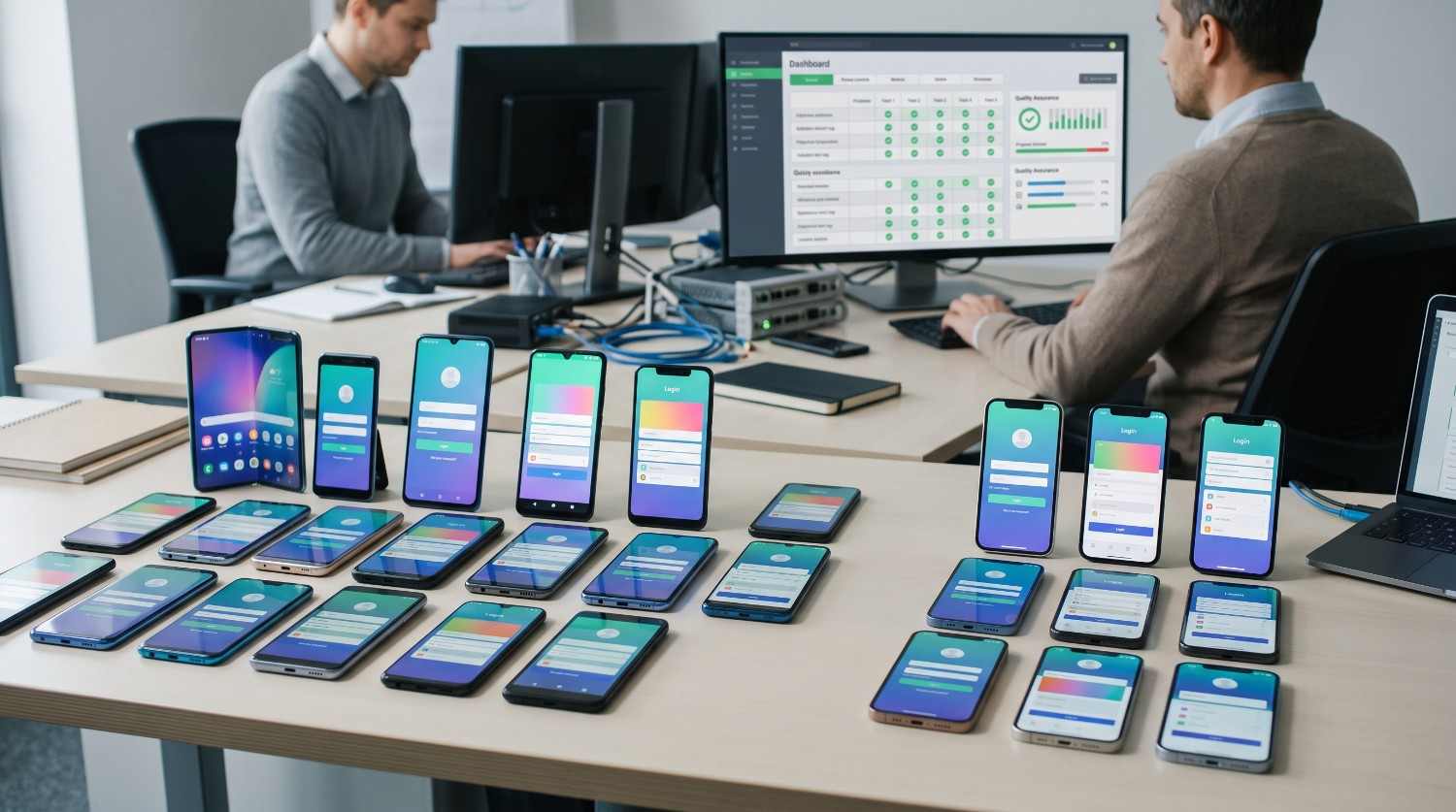 Device diversity affects testing effort, compatibility checks, and long-term app maintenance.
Android fragmentation is the wide variety of device models, screen sizes, manufacturers, and OS versions that an Android app must support. iOS has a narrower device range, so testing usually covers fewer combinations and takes less time.
Fragmentation affects cost in a chain: more device and OS combinations create a larger test matrix, which increases QA time, which raises cost and pushes the timeline.
A practical way to limit the matrix at launch:
Set a minimum OS version based on your target users, using Google's and Apple's official OS distribution dashboards as a guide
Test on the most common devices in your target country, using analytics or market data
Cover small and large screens plus one low-end device
Add devices as real user data shows where problems occur
Maintenance continues after launch. Both platforms release major OS updates annually, and apps typically need testing against beta versions so a new OS release does not break them. Budget for this ongoing work on every platform you support.
Google Play vs Apple App Store: Publishing, Fees, and Review
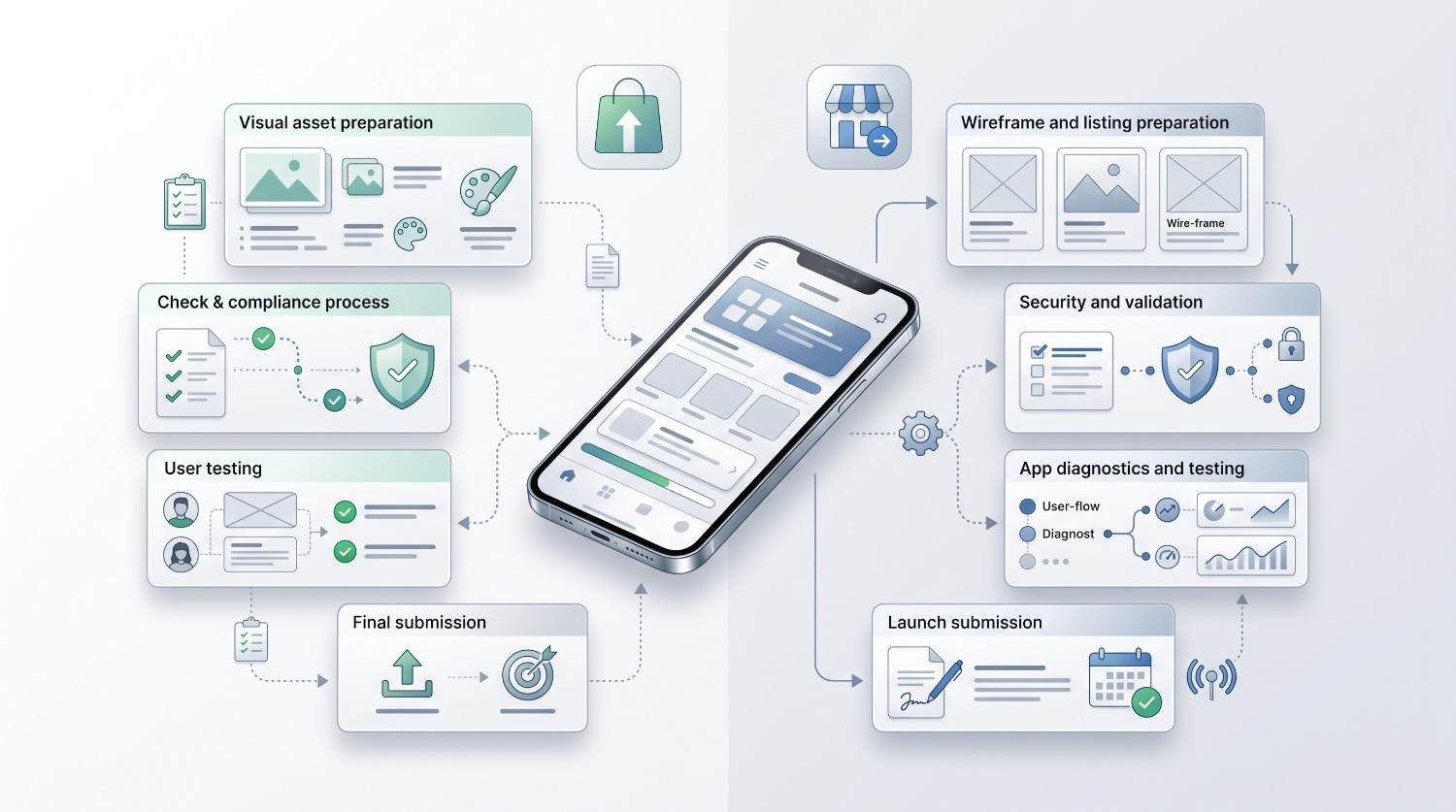 Review store policies, account requirements, testing rules, and fees before submission.
Google Play and the Apple App Store differ in account fees, review process, testing requirements, commission programs, and search optimization. Founders often discover these differences only when they are ready to publish, which can delay a launch by weeks.
Item | Google Play | Apple App Store |
Developer account | One-time registration fee | Annual Apple Developer Program fee |
Review | Automated and manual checks | Review of each submission against App Review Guidelines |
New-account testing | New personal accounts have required a closed test with a minimum number of testers over a set period before production access | No equivalent testing requirement |
Commission | Standard rate with reduced rates for smaller developers | Standard rate with a small business program |
ASO focus | Title, short and full description are indexed | Title, subtitle, and keyword field |
Verify current fees and rules in the Google Play Console Help and Apple Developer documentation, because both change.
Common causes of rejection or delay: missing or broken privacy policy links, incomplete metadata, apps that crash during review, and login screens without test credentials for reviewers. Prepare reviewer notes and test accounts before submitting.
App store optimization (ASO) starts at launch. Write the title and description around the terms your target users search, and test screenshots after you have traffic.
Native vs Cross-Platform: Where Flutter and React Native Fit
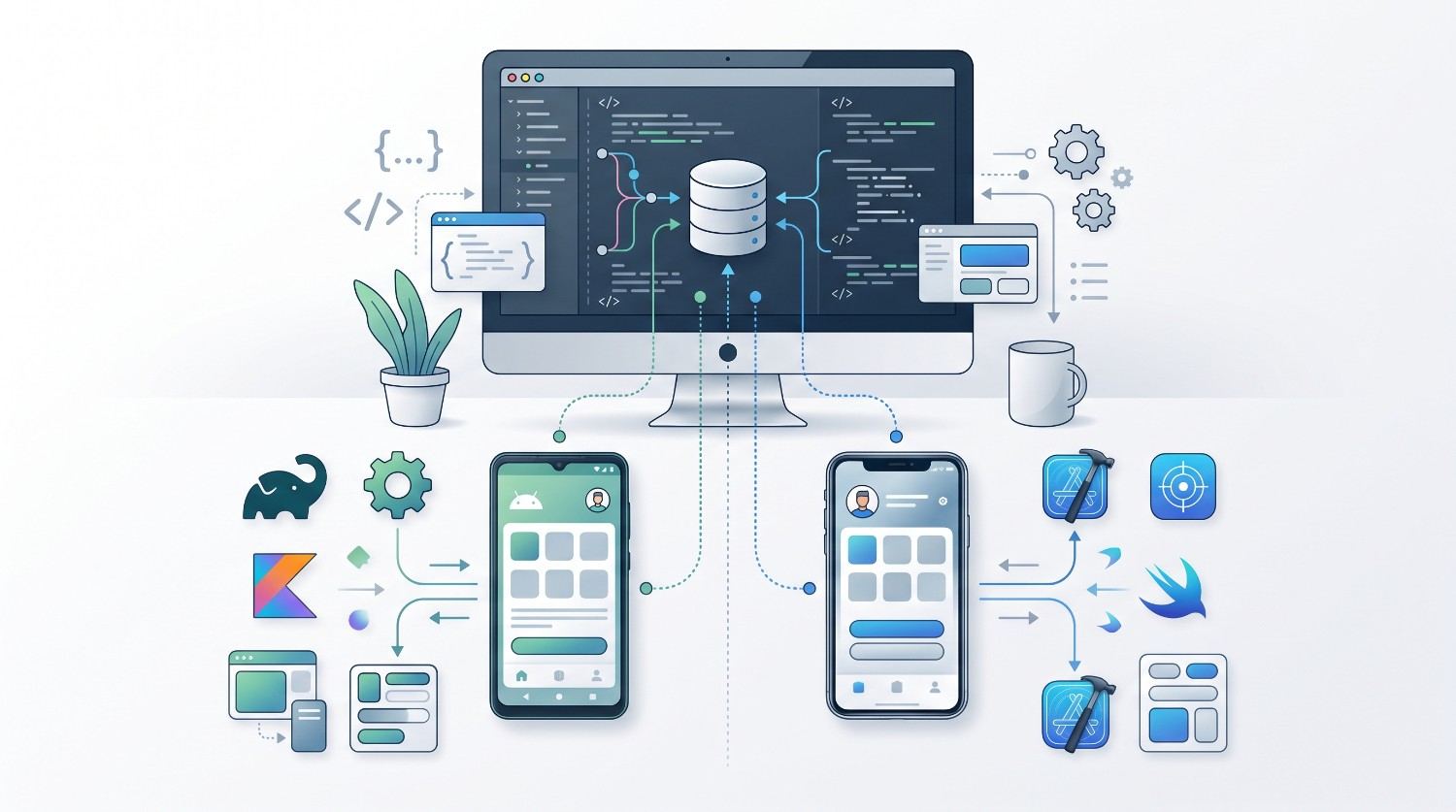 Cross-platform frameworks can share code, while native development offers more platform-specific control.
Startups often choose cross-platform development when the budget is tight and both platforms matter, and native development when the app needs heavy hardware access or platform-specific design. Cross-platform frameworks let one codebase serve both operating systems.
Option | Best for | Limits |
Native (Swift, Kotlin) | Hardware-heavy, performance-critical, or strongly platform-specific apps | Two codebases and two skill sets |
Flutter | Custom, consistent UI across both platforms | Uses Dart; some platform features need plugins or native code |
React Native | Teams that already use JavaScript or TypeScript; sharing logic with a web app | Some features need native modules; depends on third-party libraries |
A useful hybrid is to launch on one platform with a cross-platform framework. The first release serves the main audience, and the second platform becomes a smaller task because the codebase is shared.
Native remains the better choice when the app depends on advanced camera, Bluetooth, background processing, or other features that cross-platform tools handle less smoothly. Test any critical feature in a small prototype before committing.
How to Choose Your First Platform: A Decision Framework
To decide between Android and iOS, identify which devices your audience uses, match that to your monetization model and budget, then validate on one platform. A weighted scoring matrix makes the trade-offs explicit.
Start with these weights and adjust them to your situation. Score each platform from 1 to 5 per factor.
Factor | Weight | What to ask |
Audience device mix | 35% | Which platform do target users in your country use? |
Monetization fit | 25% | Where does your revenue model perform better? |
Budget | 15% | Can you afford the testing and store work for this platform? |
Time to validate | 15% | Which platform reaches testers faster? |
Feature and hardware needs | 10% | Does the app need platform-specific capabilities? |
Worked example, using illustrative scores for a hypothetical booking app for service businesses:
Market | Android weighted score | iOS weighted score | Result |
United States, subscription pricing | 2.65 | 4.60 | iOS first |
Bangladesh, low-price and ad-supported | 3.95 | 2.45 | Android first |
The scores are examples to show the method, not market data. Replace them with your own research.
App type | Suggested first platform | Why |
B2B SaaS companion app | Match your customers' devices | Ask or check what their teams use |
Consumer subscription, US, UK, Canada, Australia | iOS | Higher spend where iPhones lead |
Marketplace in Bangladesh | Android | Larger audience in that market |
Fintech | Depends on market and regulation | Check device mix and compliance needs |
Local service app | Match the local device mix | Use the city's data, not the global share |
Common Mistakes When Choosing a Launch Platform
The most common mistakes are choosing by personal phone, ignoring the target country, building both natively too early, skipping store requirements, having no validation plan, ignoring ASO, and trusting global market share.
Mistake | Why it happens | Fix |
Choosing by your own phone | It is the device you know | Use the weighted matrix and audience data |
Ignoring the target country | Global numbers are easy to find | Check market share per country |
Building both natively too early | Fear of missing users | Launch one, or share code with cross-platform tools |
Skipping store requirements | Focus stays on code | Review fees, testing rules, and policies early |
No validation plan | The launch feels like the finish line | Set retention and demand targets before building |
Ignoring ASO | Treated as marketing afterthought | Plan keywords and screenshots before submission |
Over-trusting global stats | Headline figures look authoritative | Use dated, country-level data |
When to Launch on Both Platforms (and When to Add the Second)
Launch on both platforms at once only when the budget, audience, or competition requires it. Otherwise, add the second platform when retention, user demand, and revenue targets show the first platform is working.
Cases for launching on both at once:
The budget supports two builds or a shared cross-platform codebase
A B2B customer base uses mixed devices, so one platform excludes buyers
Competitors already serve both and users expect parity
Triggers for adding the second platform:
Retention on the first platform reaches the target you set before launch
Users or waitlist signups repeatedly ask for the other platform
Revenue targets show that the second audience is worth the build
The product has stabilized enough that a second build will not chase a moving target
To prepare, keep business logic separate from interface code, document APIs, and track which features users rely on. For teams serving US, UK, Canadian, and Australian users from Bangladesh, plan time-zone overlap for testing and support. Framecipher, a Dhaka-based digital marketing agency, works with founders on mobile app development services across these markets. Teams planning a SaaS product can also review the SaaS app development process.
Conclusion
Three takeaways. First, choose based on where your target users are, not by your own phone. Second, validate on one platform and use cross-platform tools to keep the second one affordable. Third, add the second platform when retention and demand data justify it.