
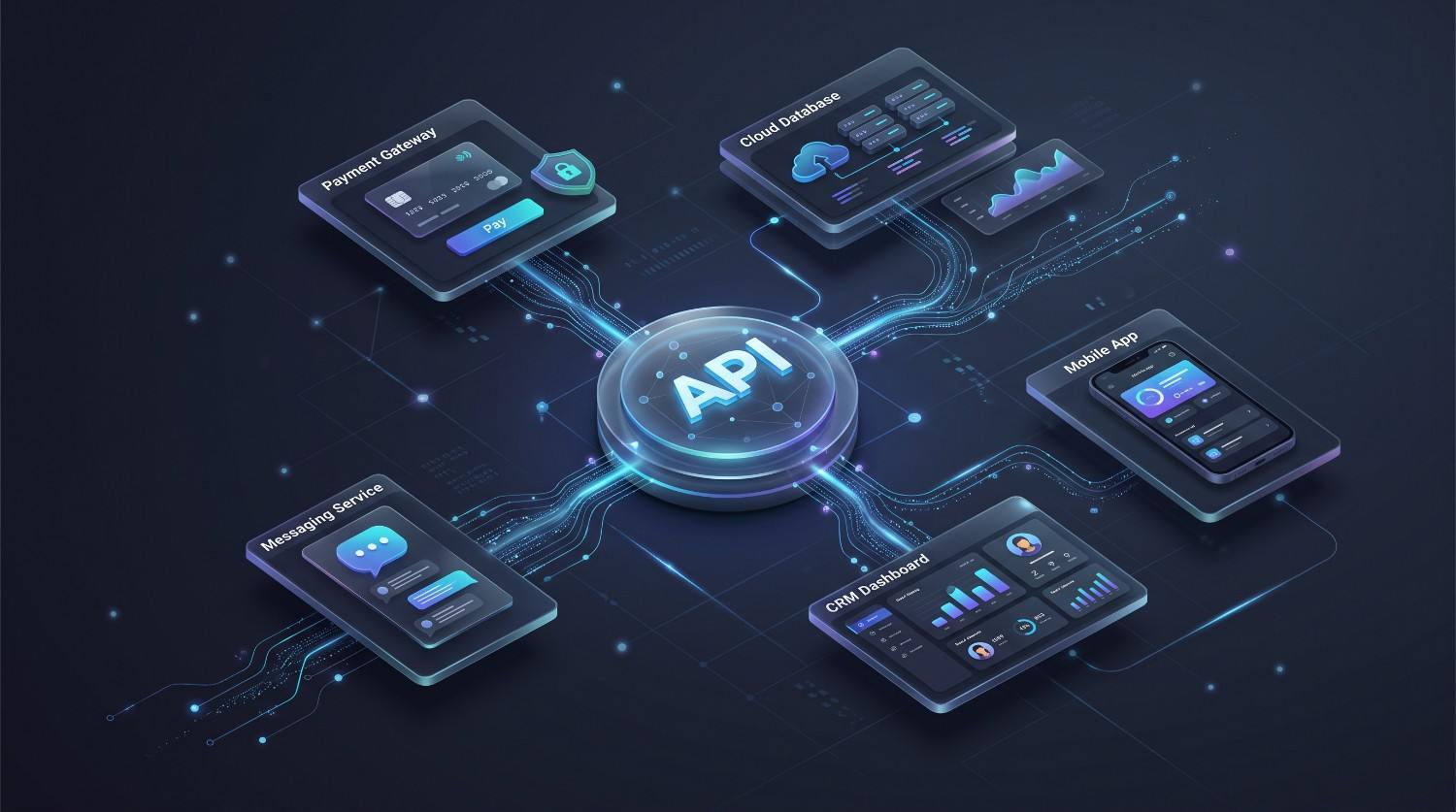
Most apps stop being useful on their own the moment they need to take a payment, show a map, or update a customer record. Building each of those functions from scratch is slow and expensive, so teams connect to services that already do the job.
What is API integration? It is the process of linking two or more software systems through their APIs so they can exchange data and trigger actions automatically. For a founder, it affects how fast an app ships, what it costs to run, and how often it breaks.
This guide explains how it works, which integrations apps typically need, what drives cost, where things go wrong, and five signs your app needs one.
What Is API Integration?
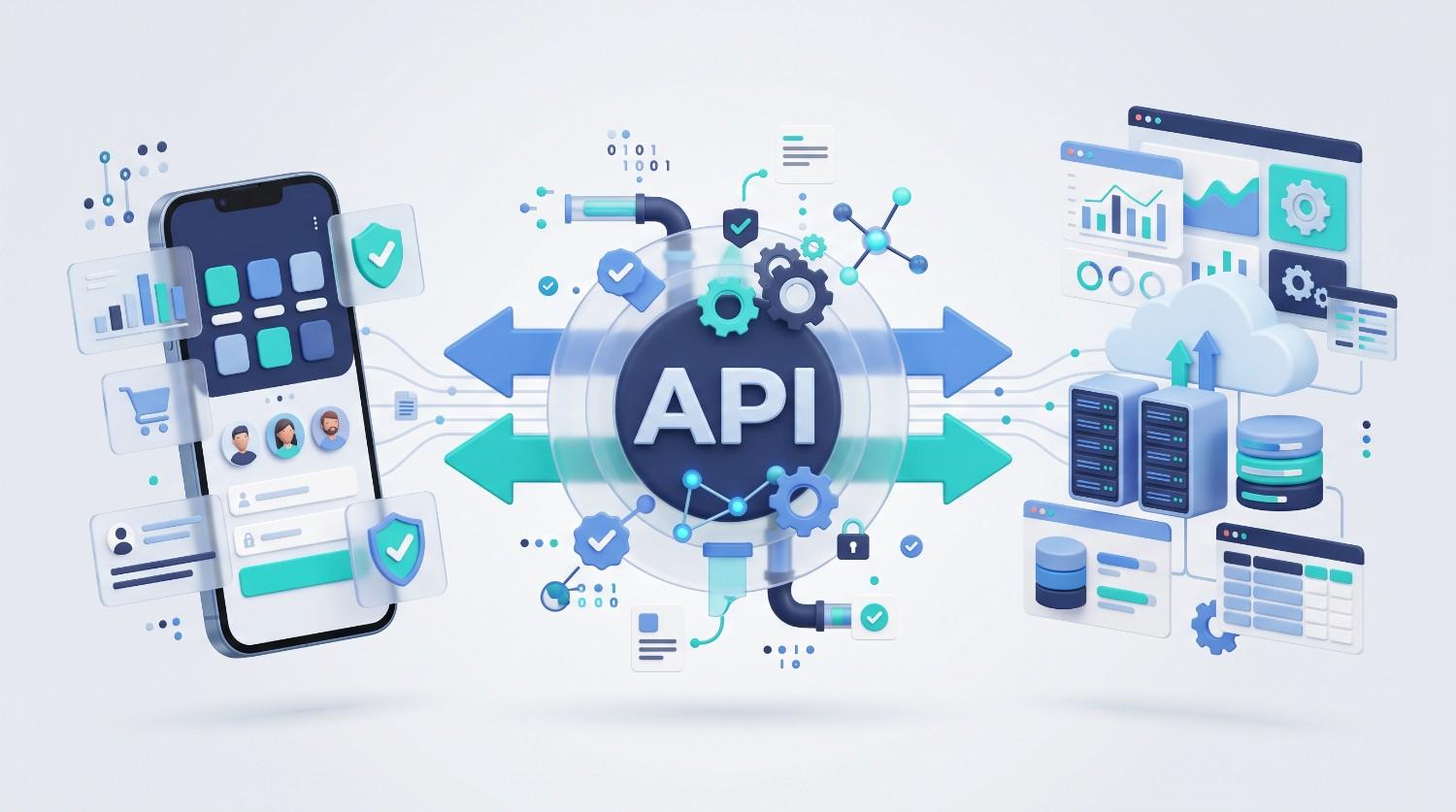 API integration connects software systems so they can exchange data and trigger actions automatically.
API integration is the process of connecting two or more software systems through their application programming interfaces (APIs) so they can exchange data and trigger actions automatically. An app sends a request over the internet, usually using HTTP, and the other system returns a response, typically formatted as JSON.
An API and an API integration are not the same thing. The API is the interface a system exposes: a documented set of requests it will accept and responses it will return. The integration is the working connection built on top of it, including the code that sends requests, handles errors, and maps the returned data into your own app.
A restaurant is a useful comparison. The menu and the waiter are the API, because they define what you can order and how. The integration is the process that gets your order to the kitchen and the right dish back to your table every time, including when the kitchen runs out of an ingredient.
One mistake people often make is assuming that a provider having an API means the integration is nearly done. The API only describes what is possible. Authentication, error handling, and data mapping still have to be built and tested.
How API Integration Works
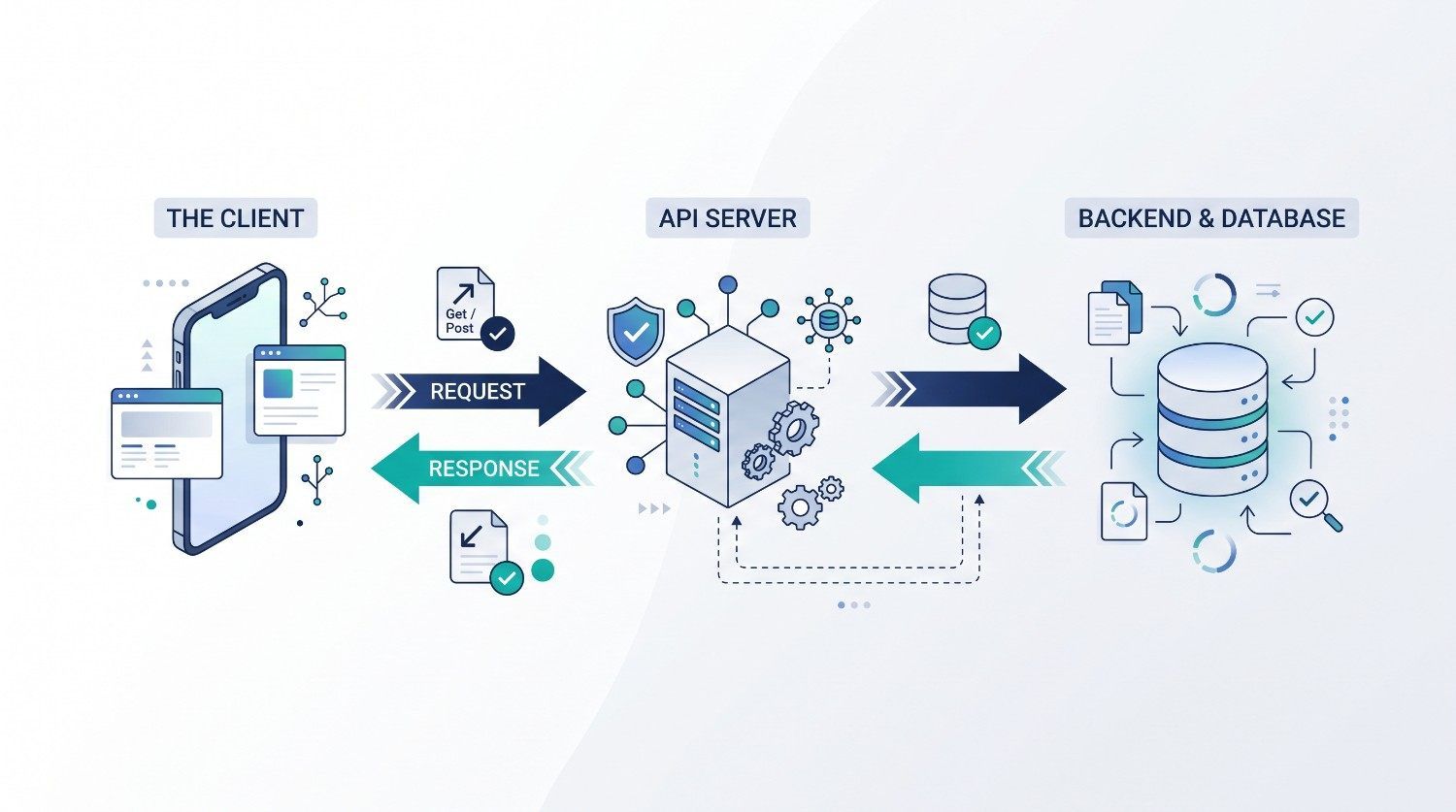 An API request reaches a service, which processes it and returns a response to the requesting application.
API integration works through a request-and-response cycle. One app sends an authenticated HTTP request to an endpoint on another system; that system checks the credentials and processes the request, and then returns a response, usually in JSON, that either contains the requested data or confirms the action was completed.
The request-response cycle in 5 steps
The client sends a request. Your mobile app or backend calls an endpoint, which is a specific URL, using an HTTP method such as GET to read data or POST to create it.
The API gateway receives it. Many providers place a gateway in front of their servers to route traffic and enforce usage limits.
Authentication runs. The request carries an API key or an OAuth 2.0 access token, and the provider verifies it before doing anything else.
The backend processes the request. The provider’s server reads from or writes to its database.
A response comes back. It includes a status code, such as 200 for success, 401 for failed authentication, or 429 for too many requests, plus a JSON body your app turns into screen content. Status codes are defined in the HTTP standards published by the IETF.
Webhooks vs. polling: two ways systems stay in sync
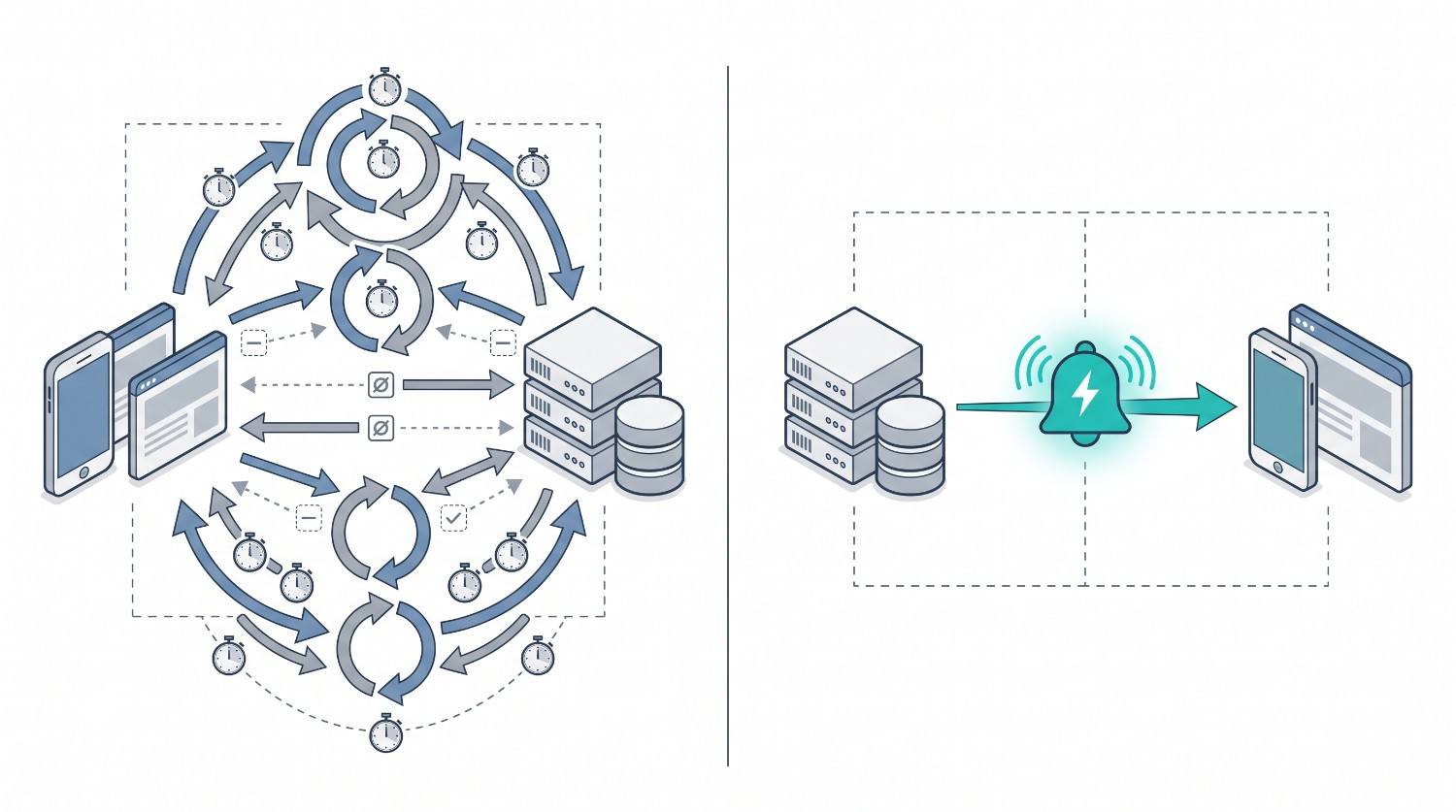 Polling checks for updates on a schedule, while webhooks send event notifications when changes occur.
Polling means your app asks another system for updates on a schedule. A webhook means the other system sends your app a message the moment something happens.
Method | How it works | Best for | Tradeoff |
Polling | Your app requests updates at set intervals | Simple, low-frequency checks | Wasted requests, delayed updates, uses up rate limits |
Webhooks | The provider sends an event to a URL you control | Payments, order status, instant notifications | Needs a public endpoint, signature checks, and handling of repeat deliveries |
A common issue is treating a webhook as guaranteed single delivery. Stripe’s documentation describes retrying events that fail to deliver, so your system can receive the same event more than once and should process duplicates safely.
Types of APIs: REST vs. GraphQL vs. SOAP
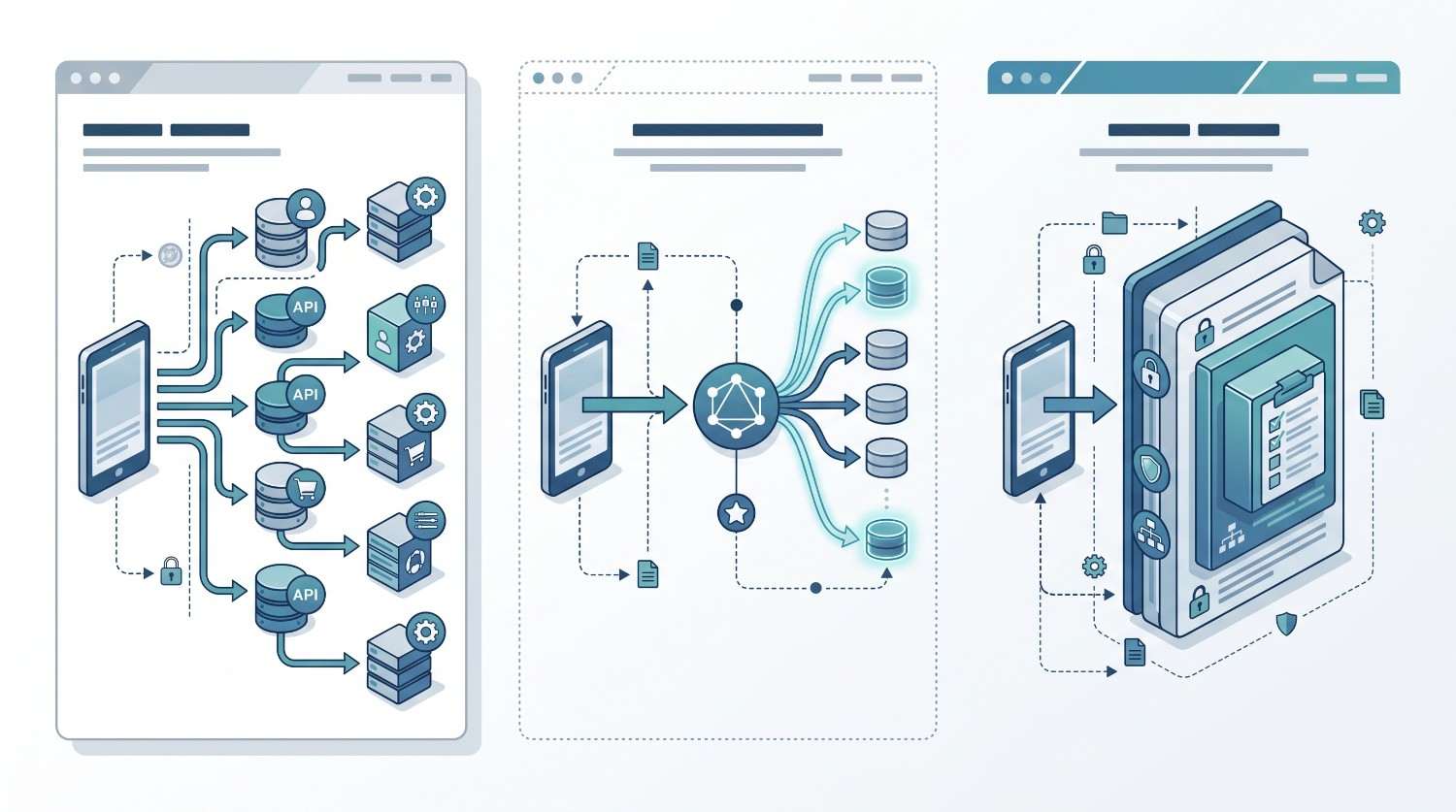 REST, GraphQL, and SOAP offer different ways for software systems to communicate.
REST, GraphQL, and SOAP are three styles of building APIs. REST uses standard HTTP endpoints, GraphQL lets clients request exactly the fields they need from a single endpoint, and SOAP is an older, XML-based protocol that remains common in enterprise and banking systems.
API type | Data format | How it works | Best for | How likely you are to meet it |
REST | Usually JSON | One URL per resource, standard HTTP methods | Most web and mobile integrations, including payments and maps | Very likely |
GraphQL | JSON | One endpoint; the client specifies the fields in a query | Apps pulling flexible data from many sources | Occasionally |
SOAP | XML | Strict message format with a formal contract | Legacy enterprise, some banking and government systems | Mainly with older systems |
For most founders, REST is the default. The practical difference is that a REST endpoint returns whatever it was designed to return, while a GraphQL query returns only the fields it asks for, which can reduce the data sent to phones on slow connections. SOAP usually appears because you must connect to an older system, not because you chose it.
The provider typically decides the style, so you adapt to what the service offers. One mistake people often make is choosing GraphQL for a small app because it sounds modern. It adds setup and caching work that a simple app may not need.
Why Your App Needs API Integration
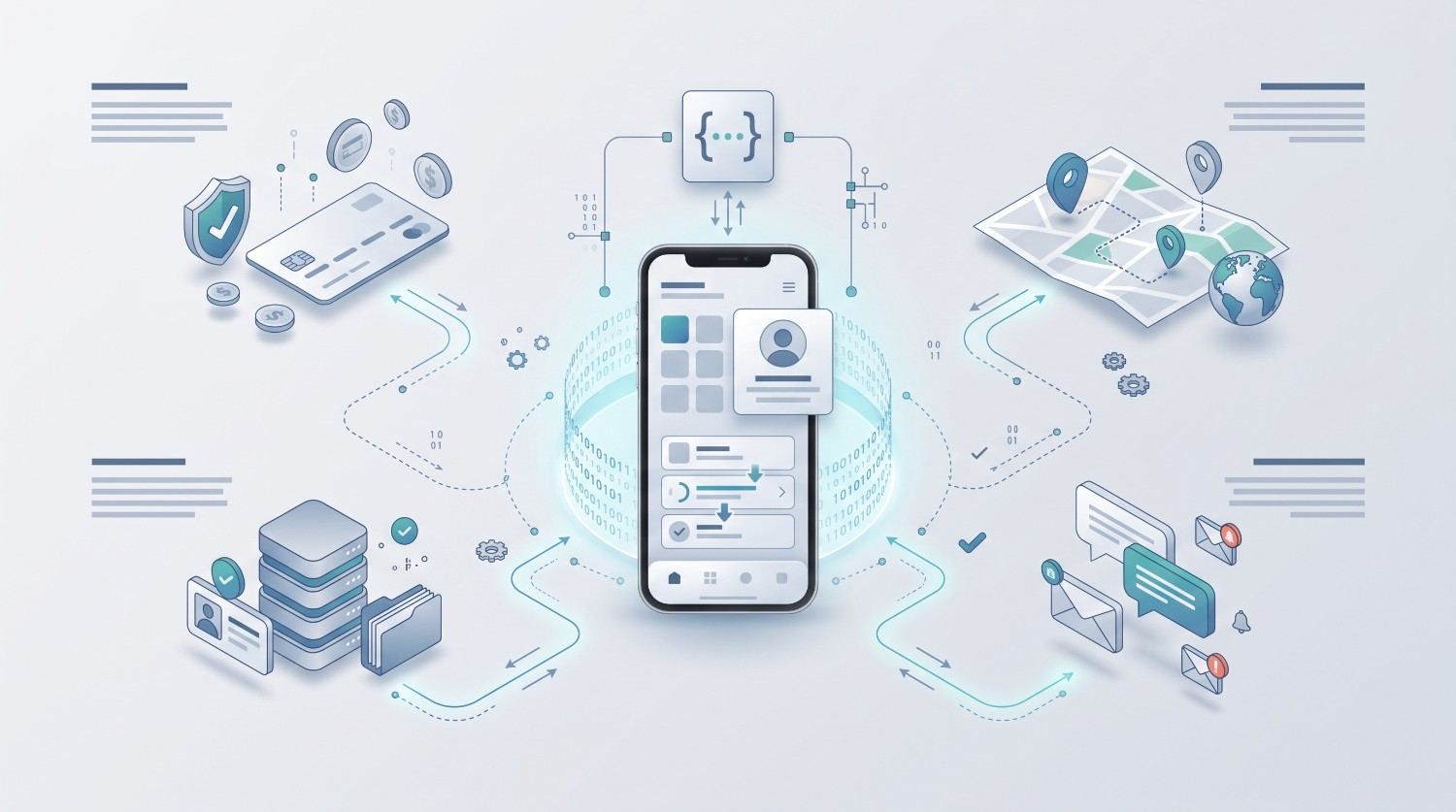 Integrations let apps use existing services for payments, maps, messaging, and customer data.
Apps need API integration to add capabilities they would otherwise have to build themselves, such as payments, maps, and messaging, and to keep data consistent across systems. Instead of building a payment processor, an app connects to one that already exists and exchanges data with it automatically.
Key benefits of API integration
Faster development. Connecting to an existing service typically takes less time than building the same function from scratch.
No rebuilding of solved problems. Payments, maps, and sign-in already exist as tested services.
Automation. Orders, leads, and notifications move between tools without manual work.
Real-time sync. Inventory, order status, and customer records stay current across systems.
Better user experience. Users can pay with saved methods, sign in with an existing account, or see live location.
The tradeoff is dependency. Every integration ties your app to a provider, and if that provider changes pricing, limits, or the API itself, your app has to adapt.
5 signs your app needs an API integration
Your team copies data between tools by hand, such as exporting orders from your app and pasting them into a spreadsheet or report.
Your app needs to take payments. Handling card data yourself may add significant security and compliance work, which is why most apps use a payment provider’s API.
You need location features, such as maps, address autocomplete, or distance calculation.
Customer data must agree across systems, for example between your app and a CRM.
The same record is entered in more than one place, such as a customer’s details typed into both your admin panel and your accounting tool.
An MVP can skip integrations that its core user journey does not require. A booking app, for instance, can launch with manual payment confirmation and add a payment API once demand is proven. Integrate only what the main journey needs.
Real-World API Integration Examples
Common API integrations include Stripe or PayPal for payments, Google Maps Platform for location, Salesforce for customer records, and Slack for team notifications. Each lets an app use a specialized service through a documented API instead of building that function internally.
Use case | Example API | What the app gains | Typical authentication |
Payments | Stripe, PayPal | Card and wallet payments with less card data handled by your own servers | Stripe: secret API keys; PayPal: OAuth 2.0 access token |
Maps and location | Google Maps Platform | Maps, address autocomplete, distance and routing | API key |
CRM | Salesforce | Customer records synced between app and CRM | OAuth 2.0 |
Team messaging | Slack | Alerts and updates posted to team channels | OAuth 2.0 token or webhook URL |
Login | Google Sign-In | Users sign in with an account they already have | OAuth 2.0 / OpenID Connect |
Consider how a checkout uses several of these together. The customer taps Pay, and the app sends the order to the Stripe or PayPal API. The payment gateway processes the card and returns a result. Because confirmation can arrive after the app has moved on, the provider sends a webhook to your backend, which updates the order status. The backend can then push the order to Salesforce and trigger a confirmation to the customer.
Payment options also vary by market. Stripe and PayPal are widely used for apps serving the US, UK, Canada, and Australia, while apps serving Bangladesh often need local payment gateways. A common mistake is choosing a provider before checking whether it supports your business country and currency, so confirm this in each provider’s documentation first.
The same integrations apply on both platforms. If you are still deciding where to launch, see this comparison of Android vs. iOS.
The API Integration Process: 7 Steps
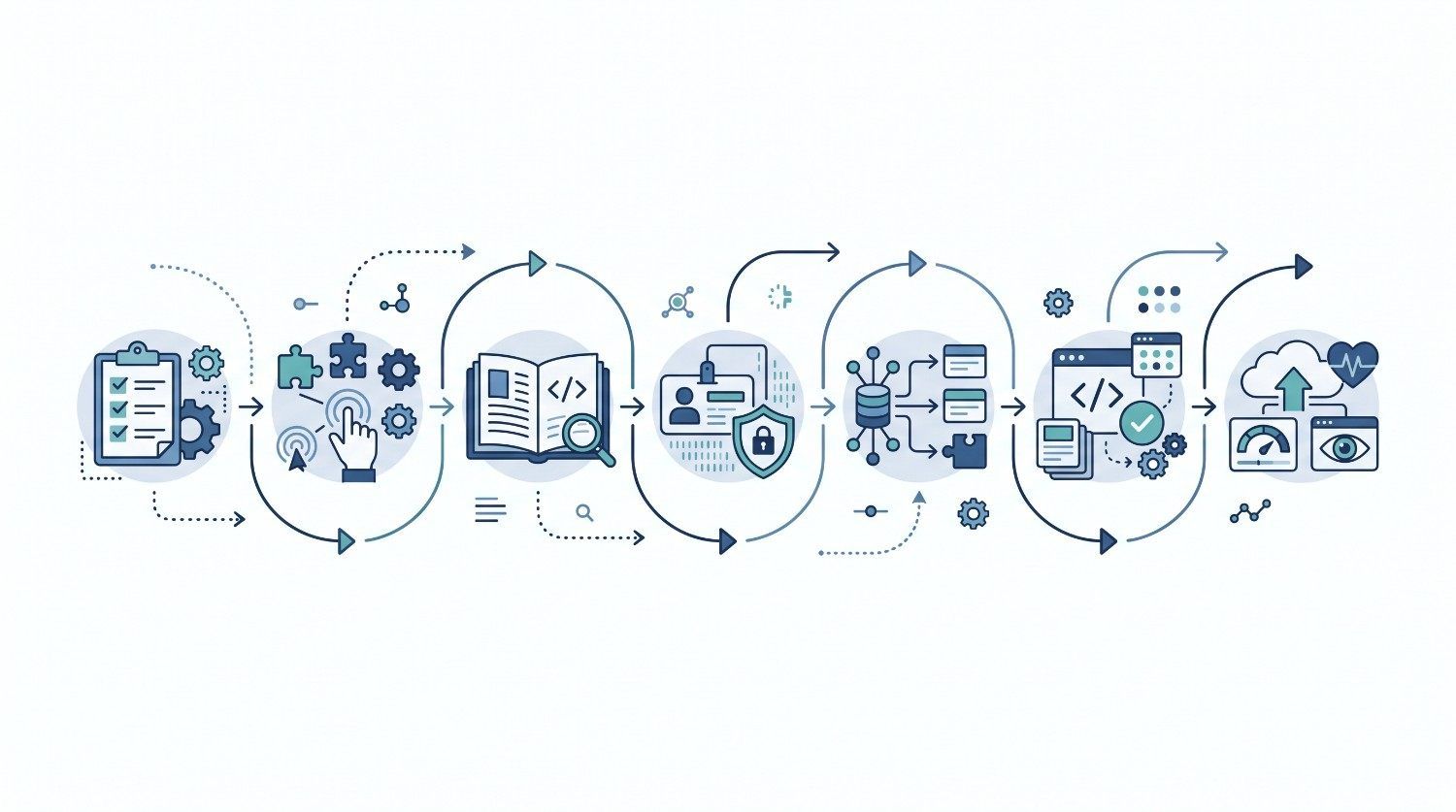 A reliable integration follows a structured process from requirements and authentication through testing and monitoring.
API integration follows seven steps: define the goal, choose the API, read the documentation, set up authentication, build and map the data, test, and deploy with monitoring. Each step produces a specific deliverable, and skipping documentation or testing is a frequent source of later failures.
- Define the goal. State what the integration should do and how you will know it works.Owner: founder or product owner. Deliverable: a one-page requirement, such as “mark an order paid within seconds of a successful payment.”
- Choose the API. Compare features, pricing, rate limits, supported countries, and documentation quality.Owner: product owner and developer. Deliverable: a shortlist and a decision.
- Read the documentation. Look for endpoints, authentication method, rate limits, error codes, and versioning policy. Many providers publish an OpenAPI Specification, a machine-readable description of the API.Owner: developer. Deliverable: a list of the endpoints you need.
- Set up authentication. Create API keys or an OAuth 2.0 client. OAuth 2.0, defined in IETF RFC 6749, lets an app act for a user without handling their password. Store credentials in environment variables or a secrets manager, never in app code or public repositories.Owner: developer. Deliverable: working test credentials.
- Build and map the data. Write the calls and match the provider’s fields to yours, such as their customer_email to your email.Owner: developer. Deliverable: a working integration in the provider’s test environment.
- Test. Use Postman and the provider’s sandbox to test normal requests, then wrong keys, timeouts, and rate-limit responses.Owner: developer and QA. Deliverable: test results that include failure cases.
- Deploy and monitor. Release the integration and track error rate and response time, with alerts for failures.Owner: developer or operations. Deliverable: a monitoring dashboard and alert rules.
One mistake teams often make is testing only the successful path. This usually breaks when a provider returns an error or responds slowly in production.
For a wider view of how integrations fit into a full build, see the SaaS app development process.
API Integration Cost: What Drives the Price
API integration cost depends mainly on how complex the API is, how much custom logic your app needs, the security requirements, and ongoing maintenance. No single price applies, because a simple payment button and a multi-system CRM sync differ greatly in scope.
Cost driver | Why it matters | Effect on cost |
API complexity | More endpoints, objects, and nested data mean more build and testing | Rises with complexity |
Authentication and security | OAuth 2.0 flows, token refresh, and secure key storage take extra work | Higher for OAuth or sensitive data |
Data volume | High volume needs queuing, retries, and rate-limit handling | Higher at scale |
Custom vs. pre-built | Pre-built connectors reduce build time; custom logic adds it | Custom costs more up front |
Testing | Sandbox runs, and failure cases take time | Often under-budgeted |
Maintenance | Providers change or retire API versions | Ongoing |
Third-party fees | Some APIs charge per request or per transaction | Recurring and usage-based |
Think of cost in two parts. One-time costs cover design, build, and testing. Ongoing costs cover provider fees, hosting, monitoring, and maintenance when a provider changes its API.
A common issue is budgeting only for the build. Usage-based fees can grow with traffic, a free tier can run out and force a paid plan, and a retired API version can force unplanned work.
Because rates vary by region and by team, ask for quotes against a written scope rather than relying on a generic figure. For the wider budget picture, see this breakdown ofhow much it costs to build a mobile app.
Common API Integration Challenges and How to Prevent Them
The biggest API integration challenges are security weaknesses, rate limits, version changes, downtime, and data inconsistency. Most are preventable with secure credential storage, retry logic that respects rate limits, version pinning, monitoring, and clear rules for how fields map between systems.
Mistake | What goes wrong | Fix |
Hard-coded API keys | Keys leak through code repositories or app builds | Store in environment variables or a secrets manager, rotate regularly, restrict key permissions |
Ignoring rate limits | The provider returns HTTP 429 and blocks requests | Read the limit headers, queue requests, back off when limited |
No retry logic | A temporary failure loses data | Retry with increasing delays and use idempotency keys where offered |
Unversioned calls | A provider change breaks your app | Pin to a specific API version and watch deprecation notices |
No monitoring | Users discover failures before you do | Track error rate and response time, with alerts |
Weak authorization checks | One user can reach another user’s data | Verify access to each record on every request |
On security, the OWASP API Security Top 10 (2023 edition) ranks broken object-level authorization first. That is the case where a user can reach records that belong to someone else.
Rate limits show how small oversights compound. When an app ignores a limit, the provider answers with HTTP 429, which means Too Many Requests. Requests fail, records stop updating, and the data in your app drifts away from the provider’s. Customers then see stale order statuses or missing payments.
If your app handles personal data from EU users, GDPR governs how that data is shared with third-party APIs. According to Article 83 of the regulation, the most serious infringements can bring fines of up to €20 million or 4% of annual worldwide turnover, whichever is higher. UK users fall under the UK’s own version of the rules.
Custom, Pre-Built or No-Code? How to Choose
Pre-built connectors and no-code tools suit standard, low-volume integrations, while custom integration suits unique business logic, high traffic, or strict control over data and security. The right choice depends on team skill, budget, how much control you need, and how many records move between systems.
Approach | Best for | Control | Cost profile | Maintenance burden |
No-code (e.g., Zapier, Make) | Simple triggers, such as a new form entry added to a spreadsheet | Low | Low to start; subscription grows with usage | The platform maintains connectors; you maintain the workflow |
Pre-built connector or plugin | Standard pairings, such as e-commerce and accounting software | Medium | Moderate | The vendor handles updates; customization is limited |
Custom integration | Unique logic, high volume, strict security | High | Higher up front | Your team owns updates and fixes |
Choose no-code if the task is simple, volume is low, no engineer is available, and a failure would not harm customers.
Choose pre-built if both systems are mainstream and an existing connector covers your needs.
Choose custom if you need specific logic, high volume, particular security or compliance handling, or no suitable connector exists.
Sometimes the right answer is not to integrate yet. If a task happens a few times a month, a manual process can cost less than building and maintaining a connection. Teams that need custom integration work can talk to an app development partner, and Framecipher’s app development service is one place to start.
Conclusion
API integration connects an app to services that already solve common problems, using authenticated requests and responses between systems. Three points matter most:
Integrate for the core journey. Add the integrations your main user journey depends on, and leave the rest until demand justifies them.
Match the approach to the need. Use no-code for simple tasks, pre-built connectors for standard pairings, and custom work for unique logic, high volume, or strict control.
Plan for failure from the start. Security, rate limits, and monitoring are where integrations typically break, so build them in before launch.
A practical next step is to write down the two or three integrations your main user journey depends on, then check each provider’s documentation for authentication, rate limits, and supported countries.