
App maintenance is the ongoing work of keeping an app working, secure, and compatible after release. Launch is not the end of the project. Operating systems change every year, third-party services update their APIs, and new vulnerabilities appear whether or not you ship new features.
Business owners often budget for building an app and nothing for what follows. That is when small problems, such as a crash on a new phone or a broken payment call, turn into bad reviews and lost users.
This guide covers what happens after launch, why maintenance matters, what it includes, how often to do it, what it costs, and who should do the work. It includes a timeline, a checklist, a schedule, and a cost framework.
What Is App Maintenance?
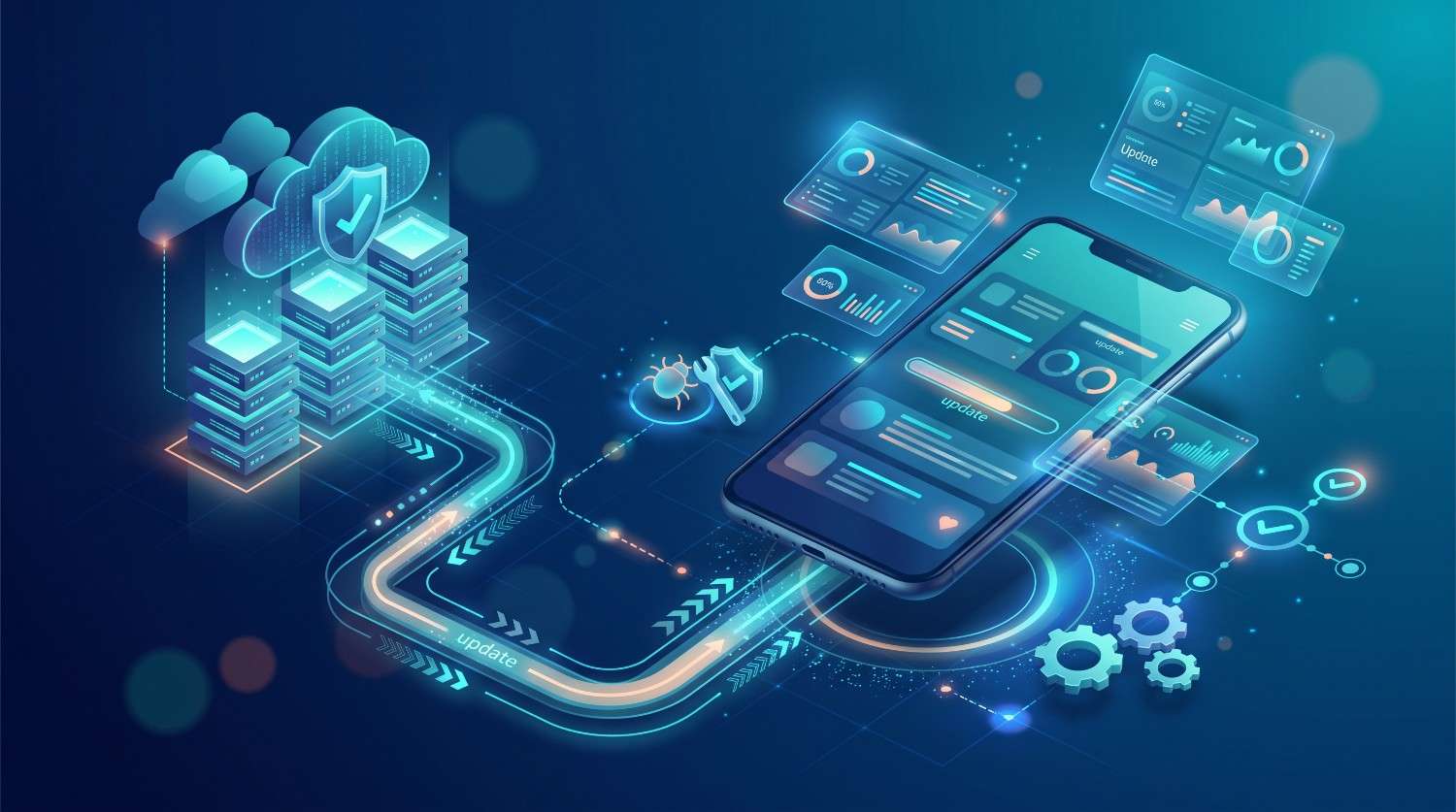 App maintenance keeps a released application secure, compatible, stable, and reliable over time.
App maintenance is the ongoing work of fixing bugs, keeping an app compatible with new devices and operating systems, applying security patches, monitoring performance, and making improvements after its release. It continues for as long as the app is in use, and it is separate from building new features or helping users with questions.
Three activities are often blurred together. Maintenance keeps the app working. Support helps users, for example, with account problems or questions about a feature. New development adds features that did not exist before. The practical difference is the goal: maintenance protects what already exists, support serves the people using it, and development expands it.
Launch is a starting point because the environment around the app keeps changing. Apple and Google release new operating system versions and update their store requirements. Payment, map, and analytics providers change their APIs and SDKs. Security researchers publish new vulnerabilities in the libraries an app depends on.
One mistake people often make is budgeting only for new features and treating bug fixes and compatibility work as free or optional. When that work is not planned, it arrives as an emergency, usually at the worst time.
What Happens After Your App Launches? A Post-Launch Timeline
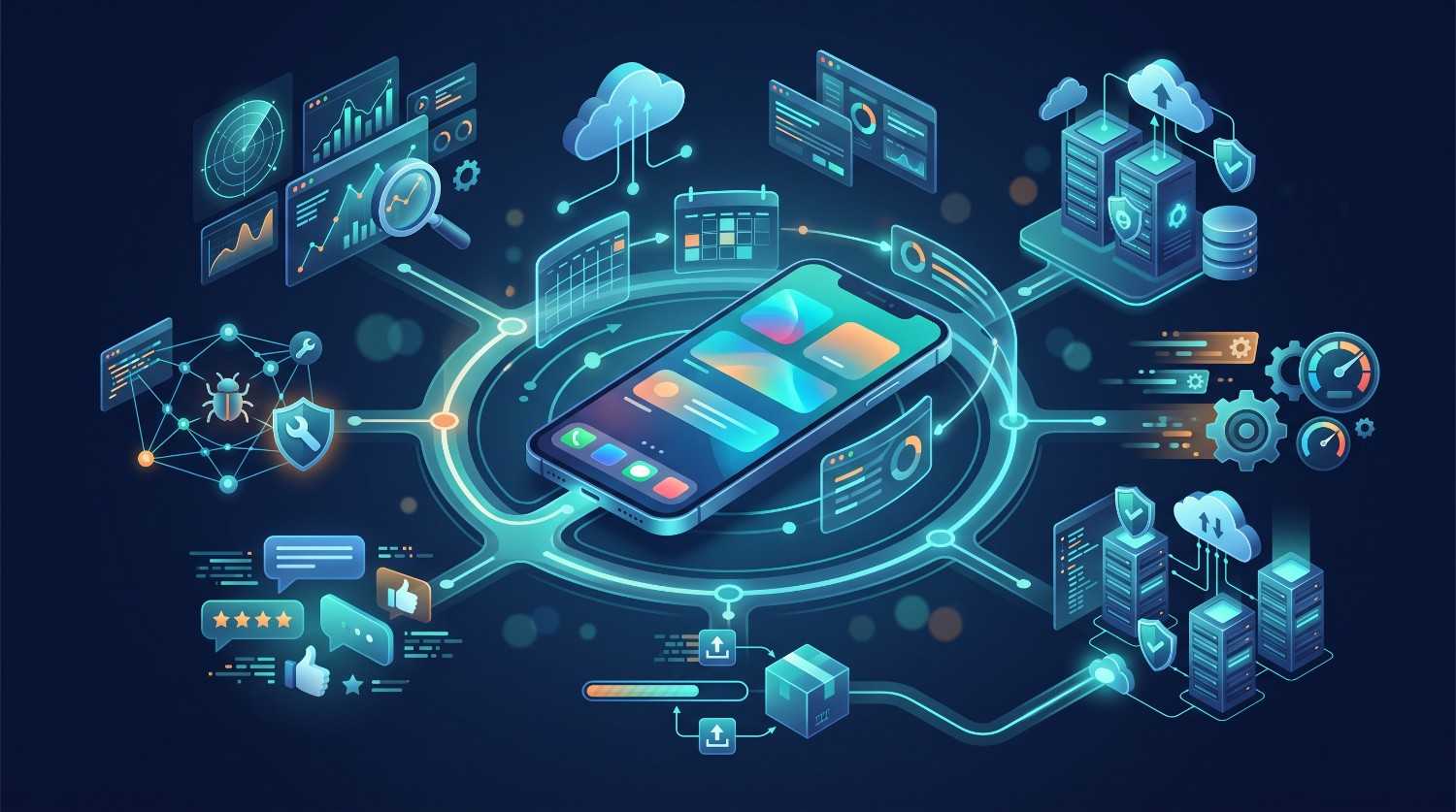 After launch, teams monitor performance, fix early bugs, review feedback, and prepare ongoing updates.
After launch, teams monitor crashes and performance, fix early bugs, collect user feedback, release updates, and keep up with operating system and platform changes. The first weeks focus on stability, while later months shift toward compatibility, dependency updates, and planned improvements.
Period | What happens | Key maintenance tasks |
Launch week (days 1 to 7) | Real devices expose crashes and errors that testing missed; first reviews arrive | Watch Firebase Crashlytics, Google Play Console, and App Store Connect daily; hotfix critical bugs; confirm the backend handles real load; reply to early reviews |
First 30 days | Usage data shows what breaks and which features users skip | Triage bugs by how many users they affect; ship the first update; review Google Analytics for Firebase data; tune slow screens |
First 90 days | Patterns settle, and the first dependency and API updates arrive | Release regular updates; refine onboarding using analytics; test a backup restore; check cloud costs; start a routine for security patches |
First year | New iOS and Android versions arrive, and store requirements change | Run compatibility testing; upgrade SDKs and target versions; clean up technical debt; review the maintenance budget and roadmap |
This usually breaks when a team treats the first week as the end of monitoring. Problems on specific devices and in specific regions often appear slowly, so monitoring from day one is what keeps a small bug from becoming a pattern in the reviews.
Why App Maintenance Matters (and What Happens If You Skip It)
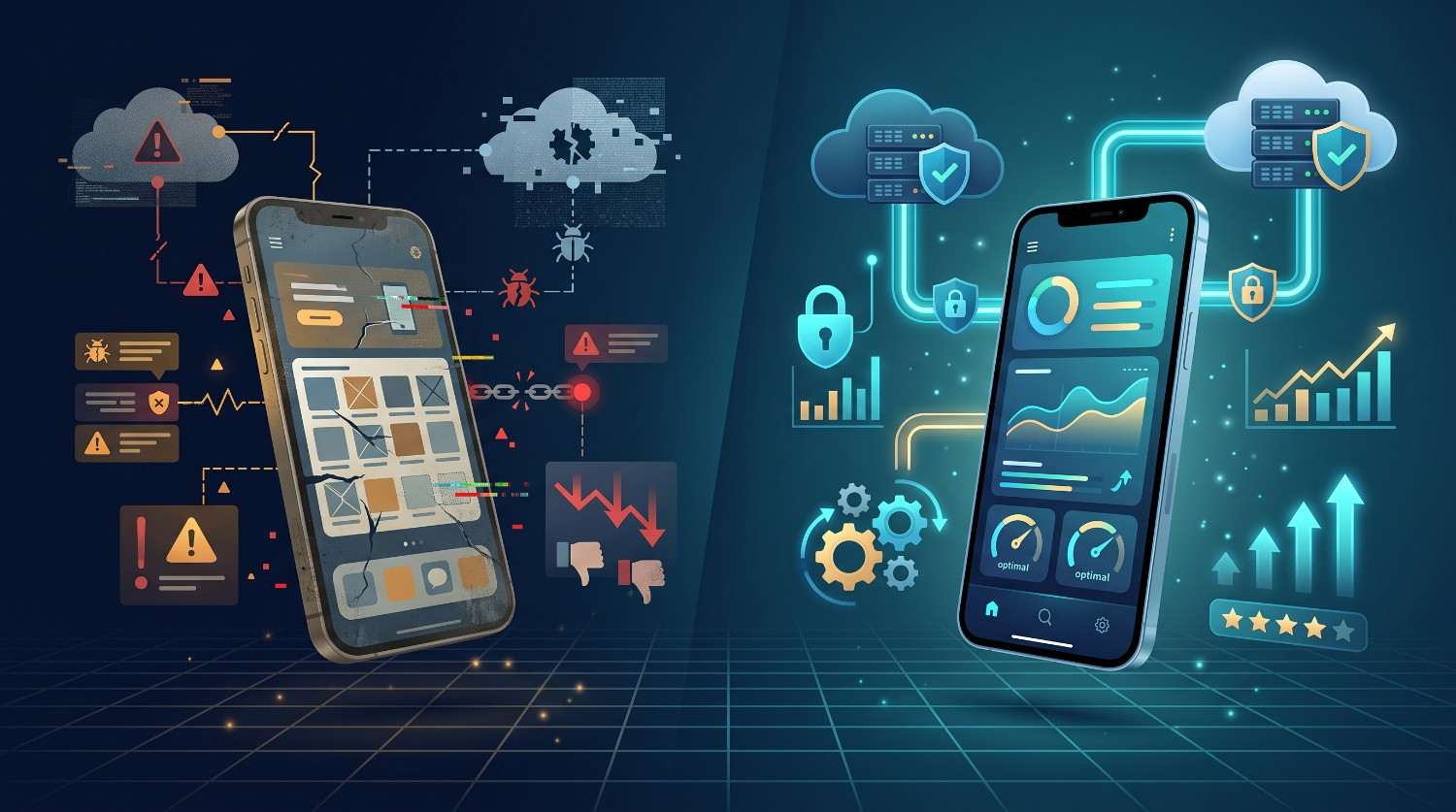 Skipping maintenance increases the risk of crashes, security vulnerabilities, compatibility issues, and lost users.
App maintenance keeps an app compatible with new operating system versions, secure against known vulnerabilities, stable under growing load, and compliant with store rules. Skipping it lets small problems compound into crashes, security exposure, poor ratings, and lost users.
The consequences follow predictable chains:
A new iOS or Android release deprecates APIs the app uses, which causes crashes and layout bugs, which leads to bad reviews, a lower store ranking, and fewer installs.
A third-party API or SDK update introduces a breaking change, which causes failed requests, which takes a feature offline and pushes users away.
An unpatched dependency carries a known vulnerability, which raises the risk of a data breach and damages user trust.
Growing usage adds load on the backend, which slows the database, which forces infrastructure scaling and higher hosting costs.
Missed store requirements can stop an app from shipping updates. Per Google Play Console Help, existing apps must target Android 15 (API level 35) or higher to remain available to new users on devices running newer Android versions, and Apple has required builds from Xcode 26 with the iOS 26 SDK for App Store Connect uploads since April 28, 2026.
Google publishes measurable limits as well. According to Google's Android vitals documentation, an app may lose visibility on Google Play if its user-perceived crash rate exceeds 1.09% of daily active users overall, or its user-perceived ANR rate exceeds 0.47%. The per-device threshold for both is 8%.
One mistake people often make is assuming a quiet app is a healthy app. Without monitoring, a rising crash rate stays invisible until it shows up in ratings and rankings.
Types of App Maintenance: Corrective, Adaptive, Perfective, Preventive
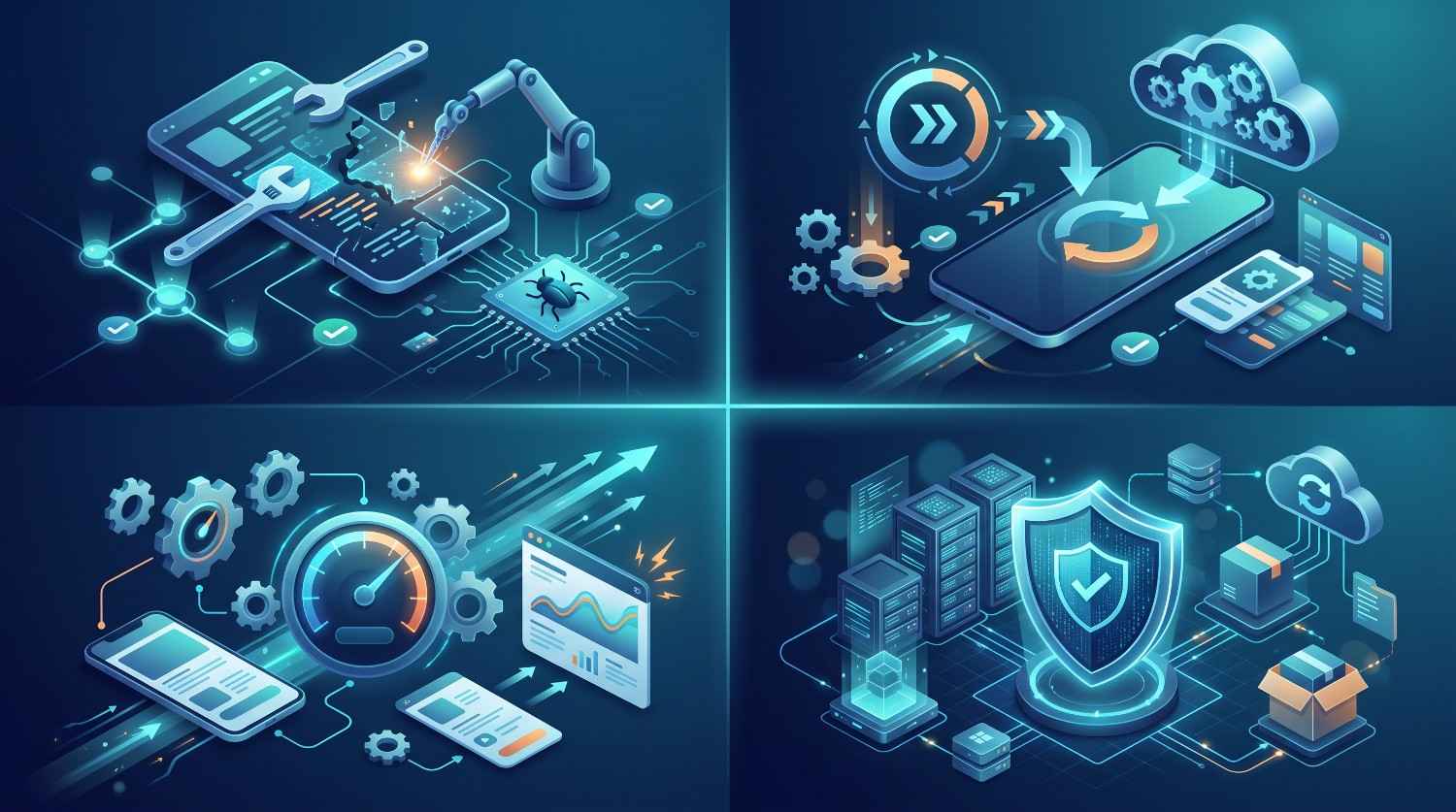 Corrective, adaptive, perfective, and preventive maintenance address different needs throughout an app's lifecycle.
The four types of app maintenance are corrective, which fixes bugs; adaptive, which adjusts the app to new environments such as new operating system versions; perfective, which improves features and performance; and preventive, which reduces the chance of future problems. The software maintenance standard ISO/IEC 14764 describes these categories.
Type | Purpose | Mobile example | Priority when budget is tight |
Corrective | Fix defects found in use | Fix a checkout crash on a specific Android device | 1 (high) |
Adaptive | Adjust to a changed environment | Update the app for a new iOS version, or for a payment provider's API change | 1 (high, deadline-driven) |
Preventive | Reduce future problems | Upgrade outdated libraries, refactor fragile code, add monitoring | 2 |
Perfective | Improve features and performance | Speed up load times, redesign onboarding, add a requested feature | 3 |
When money is limited, corrective and adaptive work come first because they protect existing users and keep the app shippable. Preventive work comes next because it reduces technical debt and lowers the cost of every later change. Perfective work comes last because it improves the app but rarely stops it from working.
A common issue is spending the whole budget on perfective features while adaptive deadlines pass. The app then looks better on the roadmap and worse in the stores.
What App Maintenance Includes: The Core Task Checklist
App maintenance includes bug fixes, operating system compatibility testing, security patching, performance monitoring, backend and database upkeep, third-party API and SDK updates, app store compliance, backups with restore tests, and review of analytics and user feedback.
Task | Why it matters | Typical tool |
Bug fixes and crash triage | Crashes drive uninstalls and low ratings | Firebase Crashlytics, Google Play Console, App Store Connect |
OS compatibility testing | New iOS and Android versions change behavior | Apple Developer beta releases, Android emulators, real test devices |
Security patches and dependency updates | Unpatched libraries create known vulnerabilities | Dependency scanners such as GitHub Dependabot, vendor advisories |
Performance monitoring | Slow screens, ANRs, and battery drain hurt retention | Android vitals, Firebase Performance Monitoring |
Backend and database upkeep | Load grows, queries slow down, servers need patching | AWS, Microsoft Azure, or Google Cloud monitoring |
Third-party API and SDK updates | Providers retire old versions and change behavior | Provider changelogs, automated tests in a CI/CD pipeline |
App store compliance | Stores change privacy, SDK, and target version rules | App Store Connect, Google Play Console |
Backups and recovery | A backup only helps if a restore works | Cloud backup services with scheduled restore tests |
Analytics and feedback review | Shows what to fix and what to improve | Google Analytics for Firebase, store reviews |
Third-party dependencies deserve their own line. A payment, map, or messaging provider can change an API, and a feature that worked yesterday fails today even though nobody touched the app. Teams often run into this when integrations are treated as set and forget. For how these connections work, see this guide to API integration.
Privacy rules add a compliance task for apps that handle personal data. Laws such as GDPR and UK GDPR affect consent and data handling, and apps with local payment gateway integrations need to track those providers' API changes, including gateways used in Bangladesh.
Recommended App Maintenance Schedule
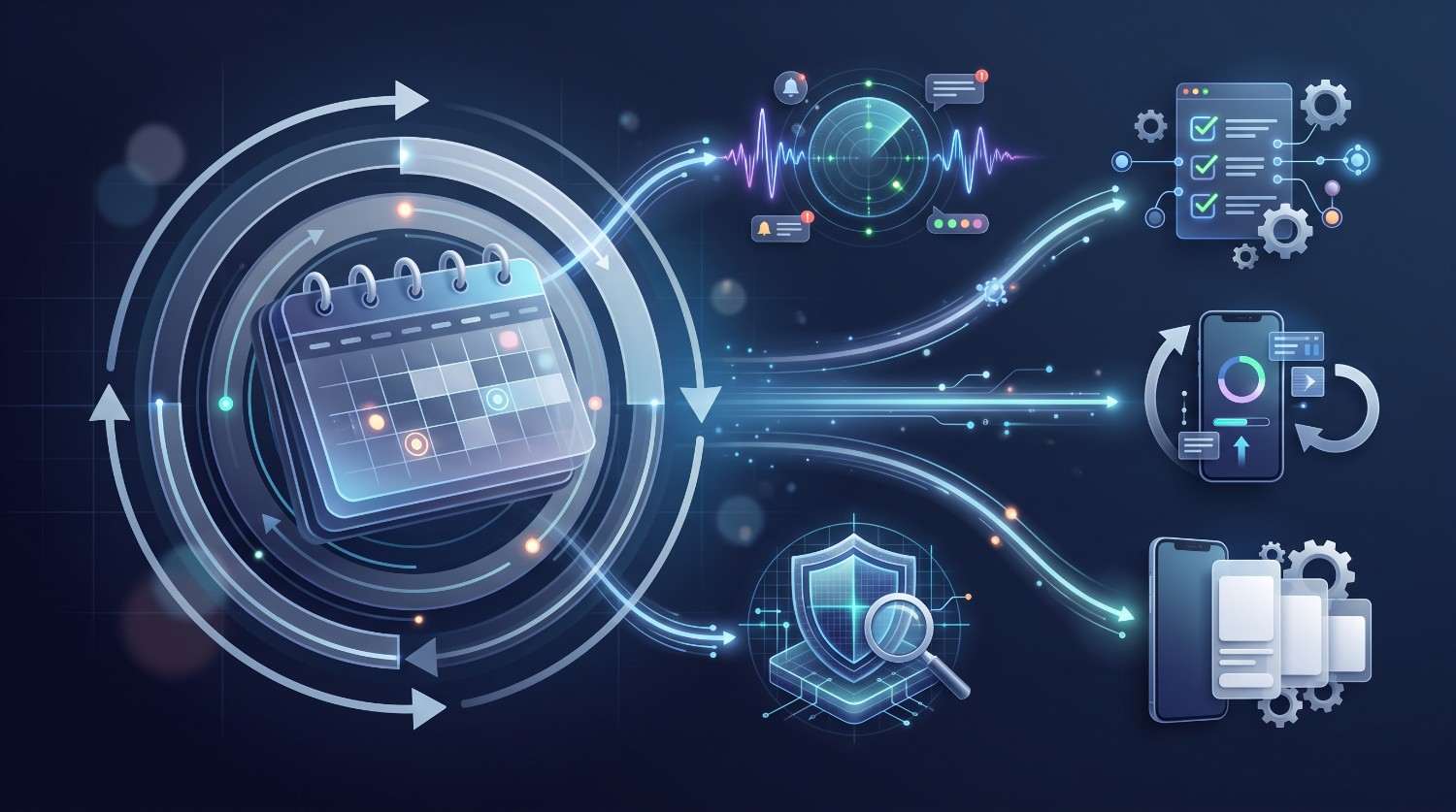 A recurring maintenance schedule helps teams manage monitoring, updates, security reviews, and compatibility testing.
Apps need continuous monitoring, regular small updates, and at least one planned compatibility review each year when new iOS and Android versions arrive. Store requirements also change each year, so annual checks of platform deadlines belong on the maintenance calendar.
Frequency | Tasks | Owner |
Daily (mostly automated) | Crash and error alerts, uptime checks, scan for review spikes | Monitoring tools; developer on call |
Weekly | Review crash and ANR trends, triage bugs, check security and dependency alerts, reply to reviews | Developer; product owner |
Monthly | Ship a small update, review analytics, check cloud usage and costs | Development team; product owner |
Quarterly | Upgrade dependencies and SDKs, review security, test a backup restore, check performance against targets, address technical debt | Developer; QA |
Annually | Compatibility review for new iOS and Android versions, check store requirement changes, renew developer accounts, review the maintenance plan and budget | Development lead; product owner |
The annual items are set by the platforms, not by your own roadmap. Per Apple's upcoming requirements page, apps uploaded to App Store Connect must be built with Xcode 26 or later using an SDK for iOS 26 since April 28, 2026. Per Google Play Console Help, new apps and app updates must target Android 16 (API level 36) or higher. Both rules change every year, so confirm current dates in each platform's documentation. For how the two platforms differ, see this comparison of Android vs. iOS.
One mistake people often make is planning maintenance around ad hoc fixes only. An app that misses a target version requirement cannot submit updates to Google Play, which includes urgent security fixes.
App Maintenance Cost: What You Pay For
App maintenance cost depends on app complexity, the number of integrations, user volume, infrastructure, and team model. No single figure fits every app, so a fair estimate needs a defined scope, an audit of the current system, and a clear list of recurring platform and hosting fees.
Cost driver | Why it matters | Effect on cost |
App complexity and code age | More screens, features, and older code take longer to change safely | Rises with complexity and technical debt |
Number of integrations | Each API or SDK adds updates and testing | Rises with each integration |
User volume and backend load | More users mean more server, database, and scaling work | Rises with usage |
iOS and Android each have their own yearly update cycle | Higher when both are supported | |
Security and compliance needs | Regulated data needs more frequent review | Higher |
Team model | Retainer, hourly, or in-house salaries | Varies by model and skill level |
Separate team cost from platform and infrastructure cost, because the second group is easy to forget. Per Apple's Account Help, the Apple Developer Program membership is 99 USD per year, or the equivalent in local currency where available. Per Google Play Console Help, the Google Play developer account has a one-time registration fee of 25 USD. Cloud hosting, API usage fees, and paid tiers of monitoring tools come on top, and their public pricing pages show current rates.
Common cost models are a monthly retainer for a fixed scope, hourly billing for variable work, and in-house salaries. Rates also differ by team location, for example between the US, the UK, and South Asia. Rules of thumb that tie maintenance to a percentage of build cost circulate widely, but they vary by source and app type, so a scoped estimate is a more reliable basis. For the build side of the budget, see this breakdown of mobile app cost.
One mistake people often make is budgeting only for developer time and forgetting recurring fees and usage-based costs that grow with the user base.
Who Should Maintain Your App? In-House vs. Agency vs. Hybrid
In-house maintenance suits teams with mobile and backend skills and a steady workload, while an agency suits teams without that capacity or those needing on-demand coverage. A hybrid model keeps product knowledge in-house and adds outside specialists for peaks and platform upgrades.
Model | Best for | Strengths | Risks |
In-house | Steady workload and an existing mobile and backend team | Deep product knowledge, fast context | Key-person risk, hiring cost, skill gaps, thin coverage during leave |
Agency | No in-house capacity, or a need for on-demand help | Broad skills across QA, DevOps, and security; coverage | Onboarding time, less product context, contract scope limits |
Hybrid | Growing apps with a small internal team | Product knowledge in-house, specialists when needed | Needs clear ownership and handover documentation |
Common App Maintenance Mistakes and How to Avoid Them
Common app maintenance mistakes include ignoring operating system betas, skipping crash monitoring, delaying dependency updates, releasing without staging or QA, never testing backup restores, and shipping every update to all users at once.
Mistake | What goes wrong | Fix |
Ignoring OS betas | The app breaks on release day for new OS versions | Test against beta releases before each public OS launch |
No crash monitoring | Problems are discovered through reviews | Set up Firebase Crashlytics with alerts and review trends weekly |
Skipping dependency updates | Known vulnerabilities stay open; store submissions get blocked | Upgrade on a quarterly schedule and enable automated alerts |
No staging or QA | Bugs reach real users | Use a staging environment, regression tests, and a CI/CD pipeline |
Untested backups | A backup exists, but the restore fails when needed | Schedule restore tests and record how long recovery takes |
No budget line | Emergencies are paid from the feature budget | Set a recurring maintenance budget and an owner before launch |
Releasing to everyone at once | One bad release hits every user | Use staged rollouts on Google Play and phased release on the App Store |
Staged rollouts and restore tests are the two fixes many teams skip. A staged rollout limits the damage of a bad release to a small share of users, and a restore test is the only proof that a backup works.
Conclusion
App maintenance is a predictable calendar of work, and most of it is set by platforms, providers, and security researchers rather than by your own roadmap. Three points matter most:
Treat maintenance as a planned cost. Budget for team time, platform fees, and infrastructure before launch, and assign an owner.
Prioritize corrective and adaptive work first. Fixing bugs and meeting platform requirements protects existing users and keeps the app shippable. Preventive and perfective work follow.
Monitor from day one. Crash and performance monitoring, a regular schedule, and staged releases catch small problems before they reach the reviews. If maintenance costs keep rising while delivery slows, this guide to an enterprise app rebuild explains when replacing the foundation can be the better option.